
Home / Alci AI
Alci AIRun your company in plain language.
Alci is the AI colleague built into Synclo. It reads your company data once, answers any question in plain words, prepares the work you ask for, and learns to handle routine cases on its own, always within the permissions you set.

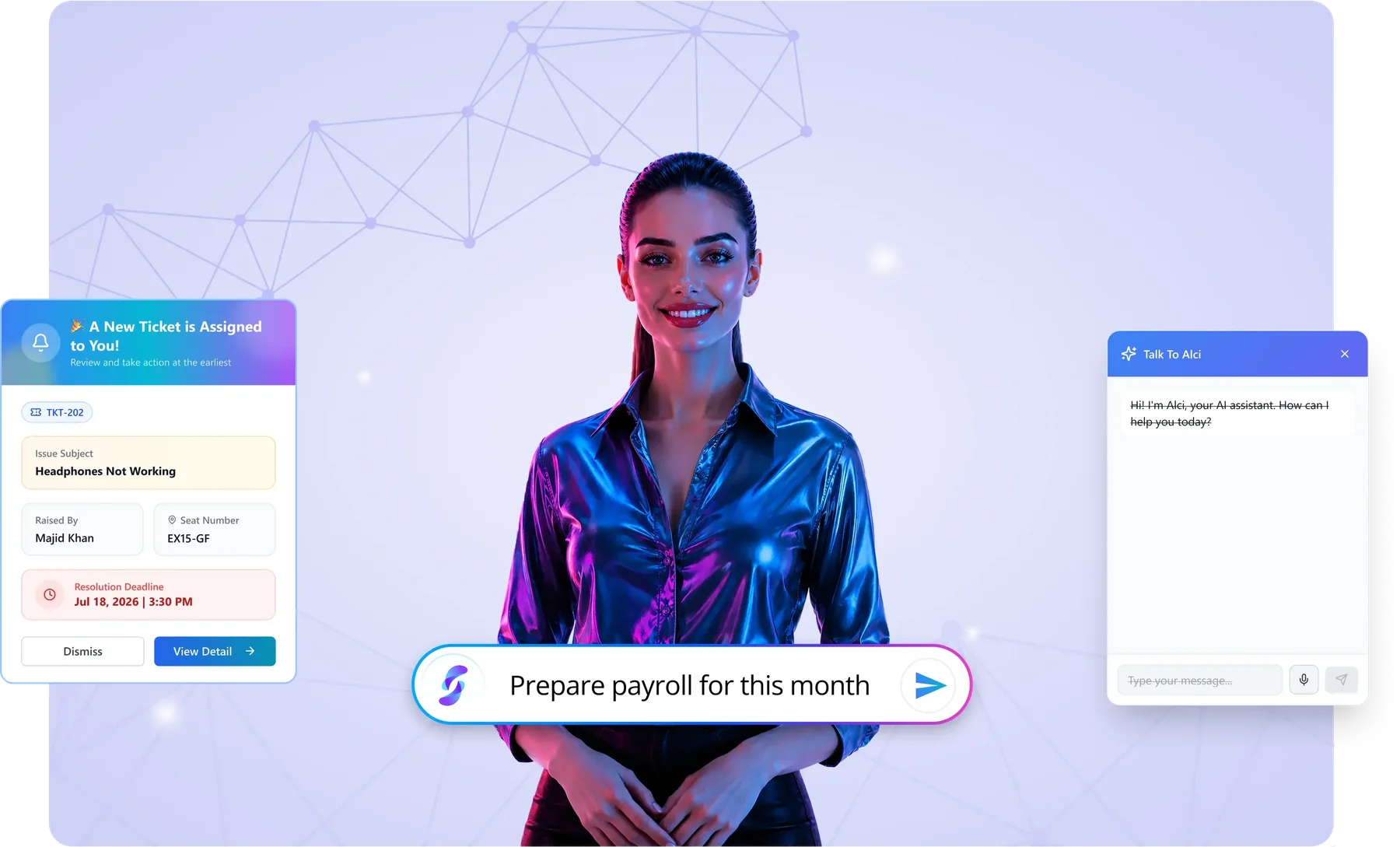
Three things Alci does, all day, every day.
Alci is not a separate app or a chat window bolted on. It lives inside every Synclo module, works with your live data and does three things.
It answers
Ask about any part of the company and get the number, the list or the reason, from live data, in seconds.
 AlciMarketing is 18% over budget, mostly from two campaigns. Shall I show the invoices?
It acts
Ask for work, not just answers. Alci prepares payroll, invoices, purchase orders and emails, then waits for your approval.
AlciPayroll for 412 people is ready, with 3 changes since last month. Approve to release?It learns
Alci notices the decisions your team makes again and again, and offers to handle them. Nothing changes until you say yes.
AlciYour managers approve 1 to 2 day leave whenever cover is confirmed. Shall I handle these from now on?How Alci learns your routine.
Alci reads your company data once, learns how your team really works, and earns the right to do the routine work, in four steps.
It watches
Alci sees how your team handles everyday work: which leads they close, which leave they approve, how they match payments.
40 retail leads closed, each after a demo and two follow-ups.It spots the pattern
When the same decision is made the same way again and again, Alci recognises the rule behind it.
Retail, 50 to 200 staff, demo first, then two follow-ups.It asks you once
Alci shows you the pattern in plain words and asks if it can take over. Nothing changes until you say yes.
“Shall I handle new leads like these from now on?”It takes over
Routine cases are handled automatically. Anything unusual still comes to you, and you can switch it off any time.
Lead 41 arrived at 08:12. Alci qualified it and booked the demo.Ask Alci something.
Pick a question, or type your own below.
Demo with sample company data.
From watching your routine to running it.
In every module, Alci learns how your team handles routine work and offers to do it for you. Pick a module to see it.
Leave requests
Your managers approve 1 to 2 day leave whenever cover is confirmed. I can handle these from now on and send anything unusual to the manager.
You approve it once. Anything unusual still comes to you, and you can switch it off any time.
Candidate screening
You decline applicants without the required certificate and fast-track people with 5+ years in B2B sales. I can screen new applicants this way and send you only the shortlist.
You approve it once. Anything unusual still comes to you, and you can switch it off any time.
Bank reconciliation
You match supplier payments by invoice number and amount, and you code fuel to Travel. I can reconcile these automatically and flag only what does not fit.
You approve it once. Anything unusual still comes to you, and you can switch it off any time.
Lead handling
You have closed 40 leads from retail companies with 50 to 200 staff, each after a demo and two follow-ups. I can handle new leads like these the same way: qualify them, book the demo and follow up.
You approve it once. Anything unusual still comes to you, and you can switch it off any time.
Schedule slips
When a supplier task slips more than 2 days, your managers move the dependent tasks and update the client. I can do this automatically.
You approve it once. Anything unusual still comes to you, and you can switch it off any time.
Repeat requests
Your team solves password resets with the same three steps. I can handle these from now on and pass anything unusual to IT.
You approve it once. Anything unusual still comes to you, and you can switch it off any time.
Routine reorders
You reorder packing supplies from Delta or Brightway whenever stock drops below 10 days. I can place these orders automatically, within your budget limits.
You approve it once. Anything unusual still comes to you, and you can switch it off any time.
New joiner training
Every new warehouse hire gets safety, forklift and systems training in week one. I can assign this automatically to every new joiner.
You approve it once. Anything unusual still comes to you, and you can switch it off any time.
One colleague across your whole company.
The same plain-word requests work in every department. Here is a typical one for each module.
People Manager
“Run this month's payroll.”
See it in People Manager →Hire Hub
“Shortlist 5 candidates for Sales Manager.”
See it in Hire Hub →Smart Ledger
“Where did we overspend this month?”
See it in Smart Ledger →Sales Engine Pro
“Which deals need attention today?”
See it in Sales Engine Pro →Project Hub
“Which projects are late?”
See it in Project Hub →Resolve
“What problems are employees facing today?”
See it in Resolve →Supply Suite
“What runs out this week?”
See it in Supply Suite →Academy
“Who hasn't finished safety training?”
See it in Academy →A working day, with Alci.
Five people, five moments. On the left, how the work usually happens. On the right, the same moment with Alci.
- 08:00Chief executive
Reads five department reports to understand yesterday.
Opens one brief from Alci: sales, cash, people and the three things that need a decision.
- 09:30Finance manager
Matches bank lines to invoices by hand.
Reviews the few exceptions Alci could not match on its own.
- 11:00HR manager
Approves a queue of routine leave requests.
Sees routine leave already handled; only unusual requests reach her.
- 14:00Head of sales
Asks each rep which deals are stuck.
Asks Alci "which deals need attention today?" and acts on the list.
- 17:30Operations director
Waits for tomorrow's numbers.
Asks Alci what is late, what is over budget, and who owns it.
Powerful, and always on your terms.
Approval before big actions
Alci prepares payroll, payments and emails, then waits for your go-ahead.
Your permissions, respected
People only see and do what their role allows, whether they click or ask.
Autopilot you can switch off
Alci takes over routine cases only after you say yes, and you can turn it off any time.
Your data stays yours
Alci works only within each person's permissions, and your data is never used to train public AI models.
Every action on the record
Everything Alci prepares, changes or sends is logged, with who approved it and when.
People handle the exceptions
Anything unusual goes to the right person with the details attached, never decided silently.